
Flameshot
Cross-platform screenshot tool with editing
29.7k|stable|v14.0.rc1
Download for Windows
Download .zip — extract and run
How to install
1Download the file above
2Extract the .zip file
3Run flameshot.exe
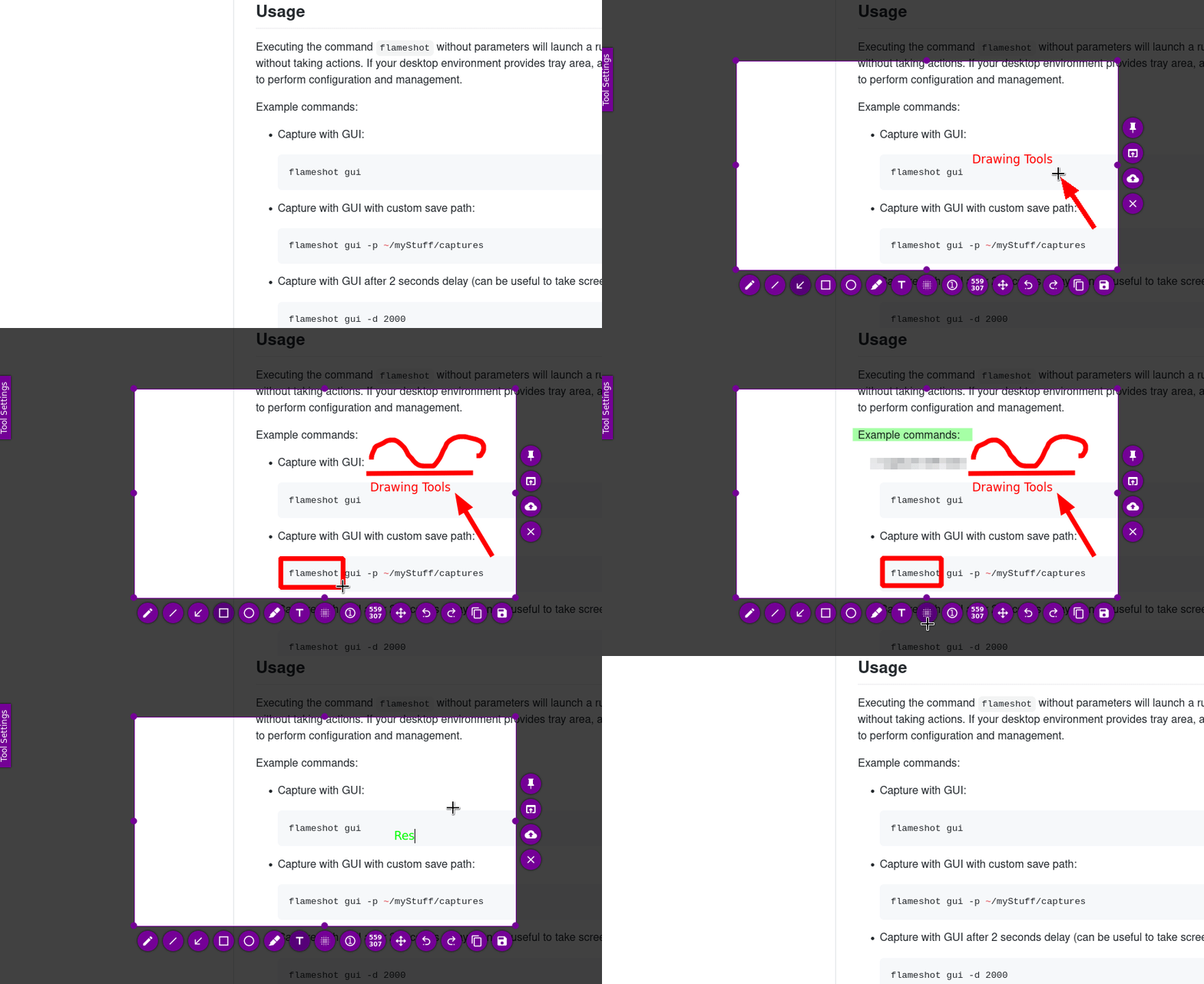
In-app editing — Annotate screenshots with pencil, arrows, rectangles, text, and pixelation tools.
CLI interface — Capture via command line with options for delay, custom paths, and clipboard output.
DBus integration — Control Flameshot remotely through DBus on Linux systems.
System tray — Access configuration and quick capture modes from the system tray icon.
Flameshot is a mature screenshot utility that balances simplicity with powerful editing capabilities. Works consistently across Windows, macOS, and Linux with both GUI and CLI modes. The in-app editor lets you annotate captures immediately without switching applications.
Qt libraries (included in package)
Source on GitHub
pavilion